This is an old revision of the document!
Log into your Microsoft 365 account with any browser using the following link:
Once you have successfully logged into your account, click on your initials in the top right hand corner.

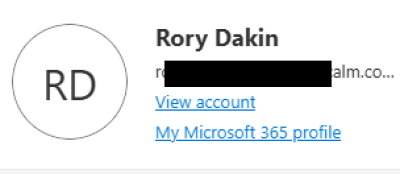
Select View Account from the form.
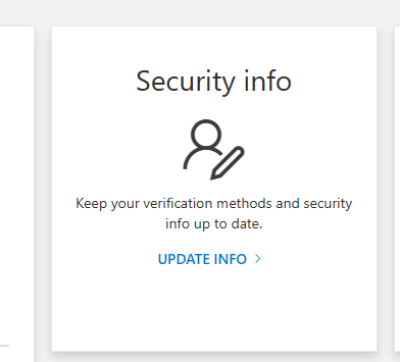
Click on UPDATE INFO link on the Security info box.
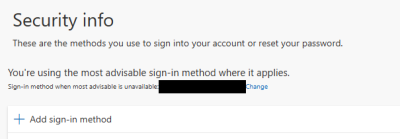
Click the + Add sign-in method link.
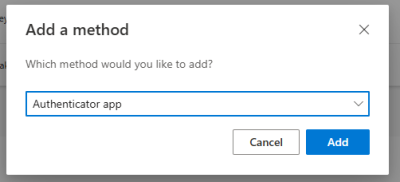
In the dropt down, select Authenticator App and then the Add button.